
How can you quickly replace or remove the background from your picture?
Have there ever been times when you were stuck with a good portrait of yourself but wished the background could be changed for the better? Well, I have, and I’m going to share with you a tool that I have employed each time I find myself in a similar circumstance.
Lets take a look at this amazing tool…
Remove.bg

First up, we have remove.bg which is a tool you can download or use directly from the web. It is also available as a plugin for Photoshop, Sketch, Figma, and more. It is a great tool to easily remove a background from an image.
Lets take a look around …
-
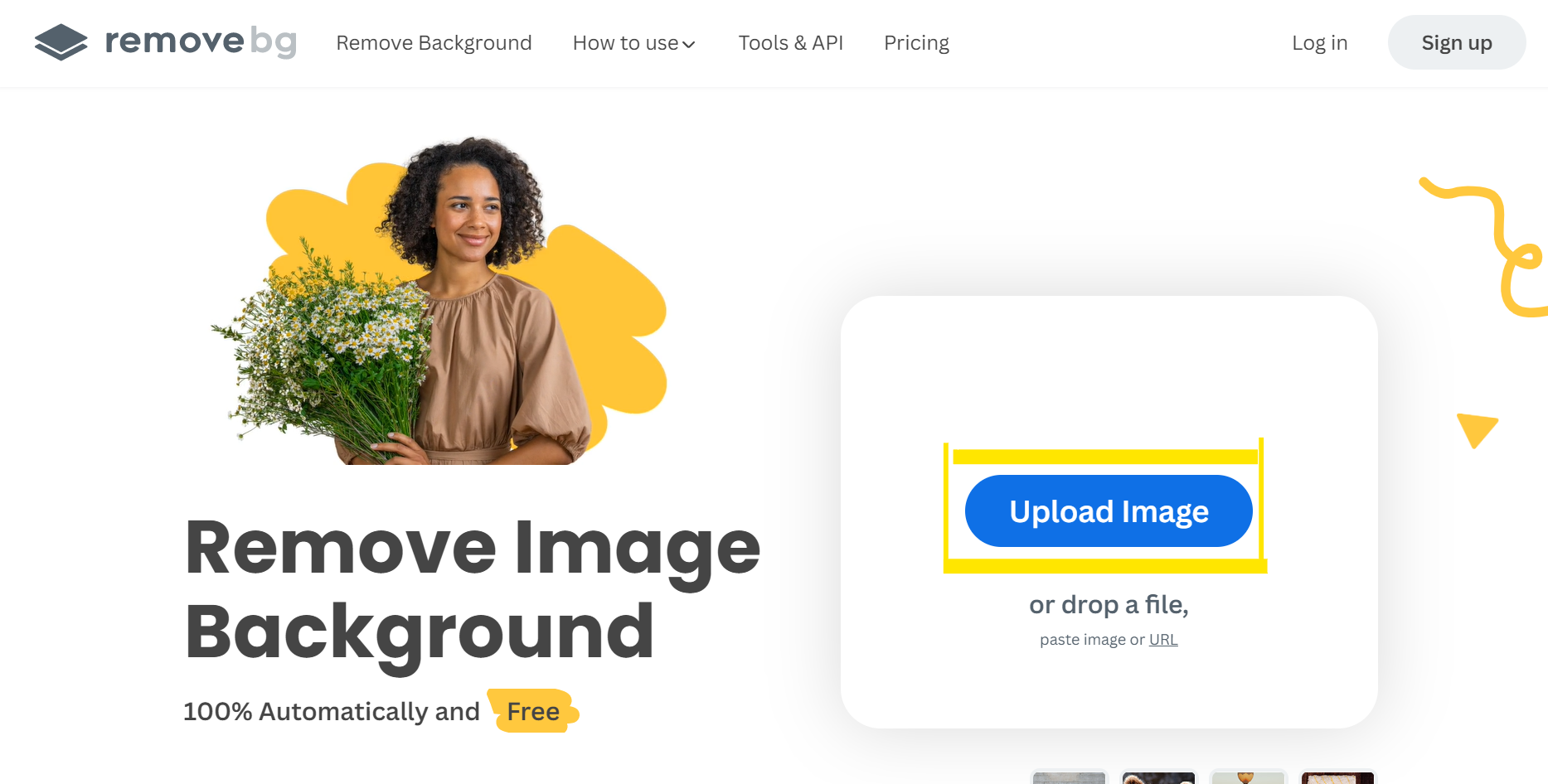
Open remove.bg.
-
Upload any image whose background you want to change.
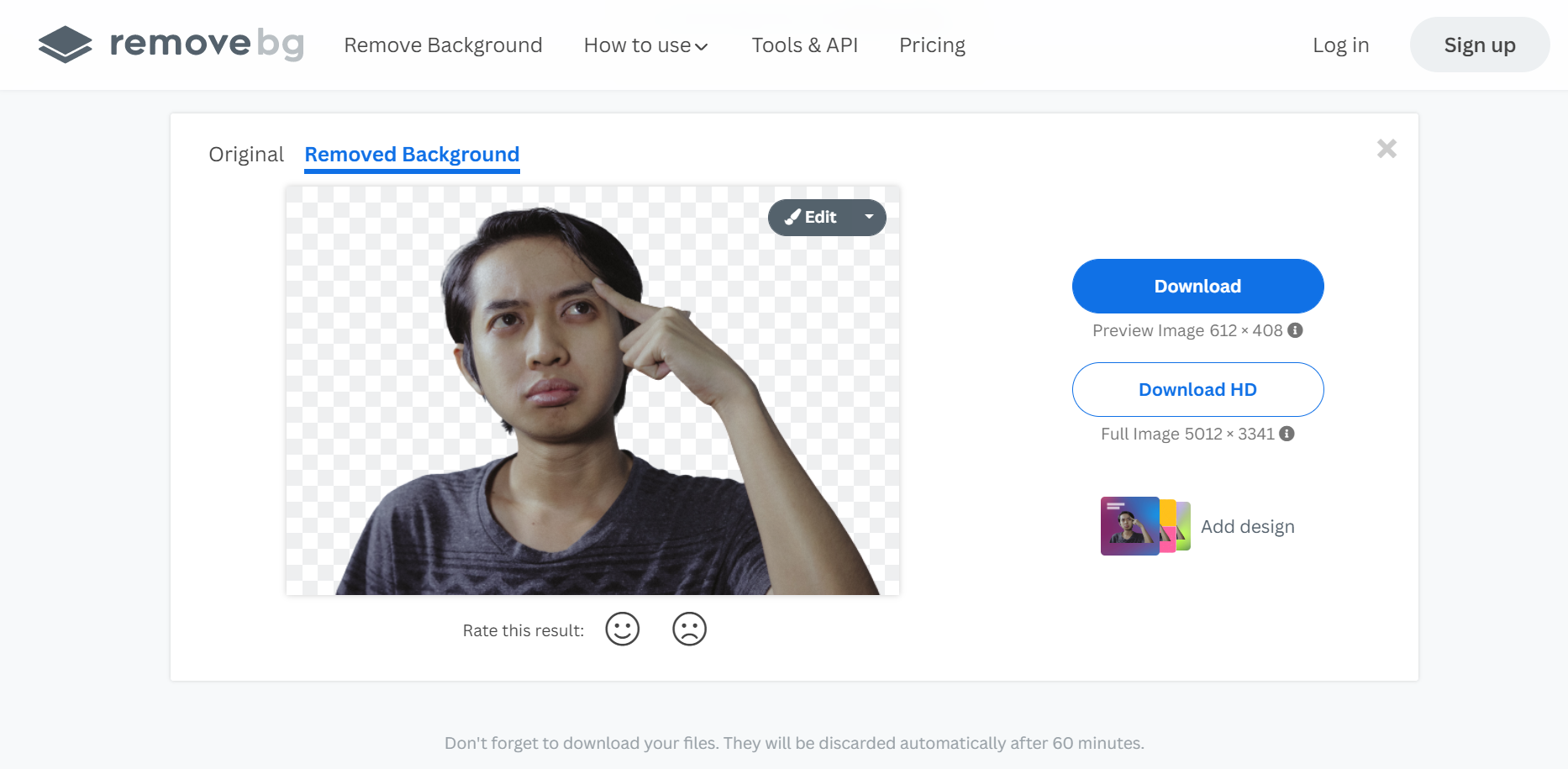
- Background will be automatically removed like in the picture below. To change the background or for more options click Edit.
- The Edit menu offers a ton of options for changing your image’s background to one of the pre-made designs or uploading any unique ones. It also gives you an option to blur the current background.
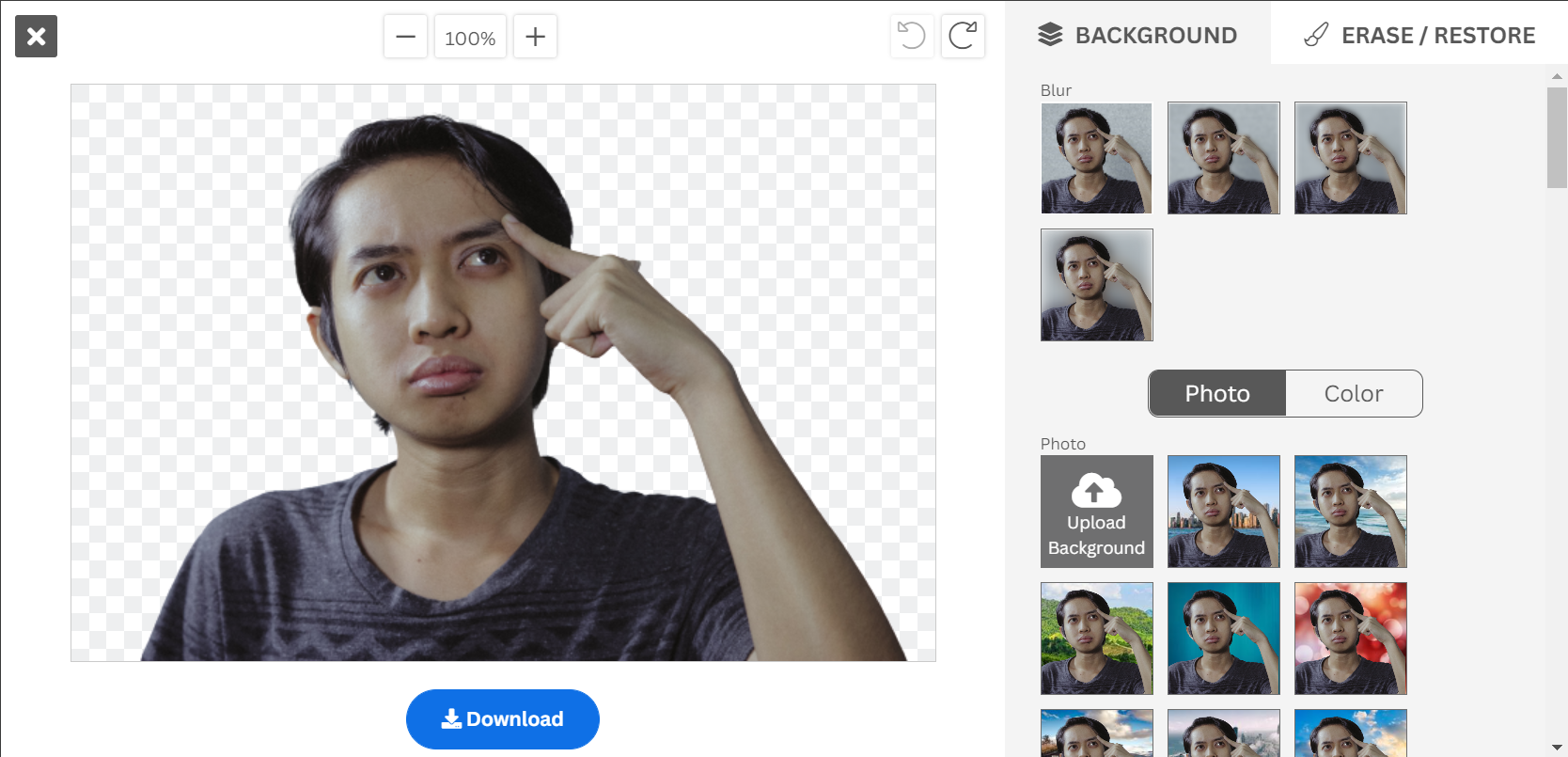
- Once you have done all your changes , you can download the image and use it.
This next section is for the nerds out there 🤓
How can you integrate remove.bg with your application ?
Remove.bg provides an API that allows you to integrate it into your application with a simple HTTPs call.
You can start with getting an API Key from here.
Once you have the API key , its as simple as making a curl call.
    $ curl -H 'X-API-Key: INSERT_YOUR_API_KEY_HERE'           \
           -F 'image_file=@/path/to/file.jpg'                 \
           -F 'size=auto'                                     \
           -f https://api.remove.bg/v1.0/removebg -o no-bg.png
If you have a python application , then you can use a script as below :
    # Requires "requests" to be installed (see python-requests.org)
    import requests

    response = requests.post(
        'https://api.remove.bg/v1.0/removebg',
        files={'image_file': open('/path/to/file.jpg', 'rb')},
        data={'size': 'auto'},
        headers={'X-Api-Key': 'INSERT_YOUR_API_KEY_HERE'},
    )
    if response.status_code == requests.codes.ok:
        with open('no-bg.png', 'wb') as out:
            out.write(response.content)
    else:
        print("Error:", response.status_code, response.text)
Note : Only the first 50 API calls are free. To check detailed pricing see here.
To Check the detailed documentation , Visit the page here.
Happy Coding 😃
Thanks for reading this article! Leave a👏 and a comment below if you have any questions.